Explore TigerBet247 sports markets for football, cricket, tennis, basketball, racing and more in a responsive sportsbook layout. The sections below explain how the product is arranged, which categories are prominent and how its connected account experience works across desktop and mobile screens.
Sportsbook Structure
TigerBet247 gives Sports its own primary navigation item while keeping the account connected to casino and live products. The page groups fixtures by sport, competition and start time. This layout supports two common paths: opening a specific match from a schedule or choosing a sport first and scanning its competitions. The bet slip remains a separate working area so selections can be checked before any action is confirmed.
Football and Cricket Coverage
Football and cricket are prominent categories in the sports menu. Event pages can present core match markets followed by additional options relevant to the competition. The exact set depends on the fixture and its stage. Filters help reduce a busy schedule to current leagues or start times, while live markers distinguish events already in progress from upcoming matches.
Tennis, Basketball and More
The sports list also includes tennis, basketball, horse racing, baseball, table tennis and MMA. Each discipline uses a market structure suited to its scoring format. Tennis may be organized around matches and sets, basketball around game and period markets, and racing around scheduled events. The platform keeps these differences inside a consistent navigation shell so moving between sports does not require relearning the entire interface.
Pre-Match Event Pages
Pre-match pages provide time to compare available markets before an event begins. Competition breadcrumbs, event names and scheduled start times establish context at the top of the page. Markets can be expanded or collapsed to keep long lists manageable. A selection enters the bet slip, where its event and displayed price can be checked. This separation helps prevent the fixture list itself from becoming cluttered.
Live Market Presentation
Live events require compact, frequently updated displays. TigerBet247 marks in-play fixtures clearly and places current scores or event state near the market list when data is available. Since live prices and market availability can change quickly, the confirmation shown in the bet slip is the relevant final state. The interface focuses on legibility and update feedback so the user can see when a selection changes.
The Bet Slip Area
The bet slip collects selections away from the main event list. It identifies each chosen market, allows removal before confirmation and shows the combined state for multiple selections where supported. Keeping this area persistent on wider screens reduces back-and-forth navigation. On a phone, it is typically opened as a dedicated panel so the event view remains large enough to read.
Mobile Sports Navigation
A mobile sportsbook needs to handle dense schedules without shrinking text excessively. TigerBet247 uses touch-friendly sport tabs, collapsible market groups and a separate bet-slip control. Portrait orientation is suited to event lists, while rotating the device can provide more width for detailed market tables. The same account and transaction history remain available through the responsive navigation.
Moving Between Sports and Casino
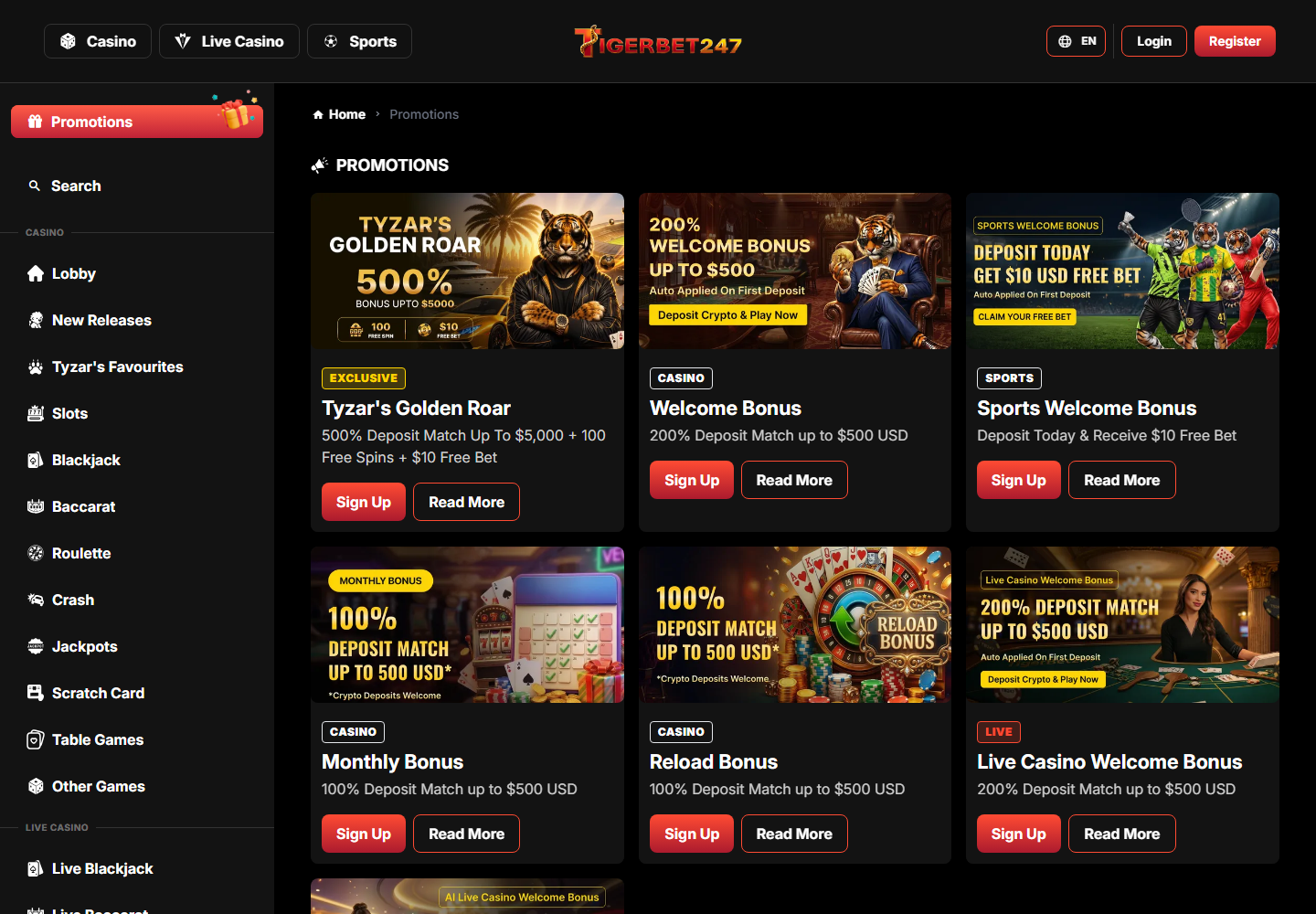
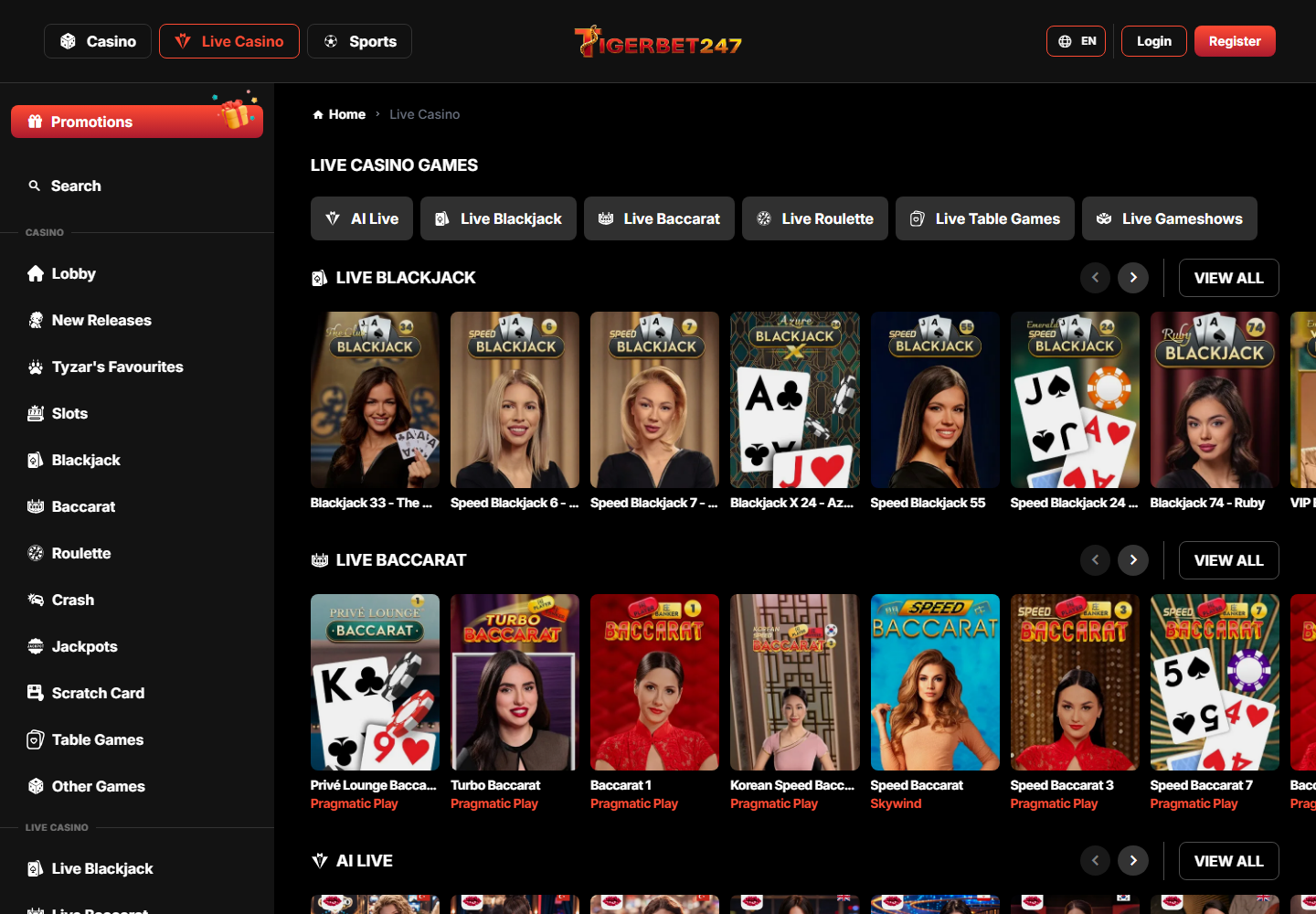
The shared header is one of the platform's practical strengths. A user can leave a sports event, open the casino lobby and return to Sports without managing a second login. The products still retain distinct layouts because an odds board and a game catalogue solve different tasks. Shared account controls provide continuity while product-specific navigation preserves clarity.
COMMON QUESTIONS
TigerBet247 Sports FAQ
What does the Sports page cover?
+
It explains the main sports features, navigation and account context available across the TigerBet247 platform.
Is sports available on mobile?
+
Yes. The responsive layout adapts the relevant controls and content for current Android and iPhone browsers.
Do I need separate account details?
+
No. The same TigerBet247 account connects the casino, live, sports, payment and promotion areas.
Where are the main categories?
+
Primary categories appear in the header and within each product page, with search available for exact titles or content.
Are details the same for every title or method?
+
No. Individual games, tables, promotions and payment methods can have their own controls, limits and terms.
How do I check current availability?
+
The logged-in lobby or account area shows the current catalogue and the options available to that profile.
Can I move between products quickly?
+
Yes. Shared navigation provides direct links between casino games, live tables, sports and account pages.
What should I check before selecting an option?
+
Check the title card, rules, terms, limits or method details shown directly beside the relevant product.
Does search work on a phone?
+
Yes. Mobile search and category navigation are designed for touch controls and narrow screens.
Where can I see account activity?
+
The account area provides transaction and status records relevant to payments and other account actions.
How are new additions presented?
+
New content is placed in dedicated collections or updated category rows so it can be found without scanning the full catalogue.
What if a feature does not appear?
+
Availability can depend on the active account and product state. The support area can clarify missing options.
Where is additional help available?
+
TigerBet247 includes FAQ and contact routes in its support navigation for account and product questions.